
Can't find the latest version of anything? We'll give your files one clear home.
- Same file exists in several
- Business files sit in one
- Files are emailed back
- New people can't find anything
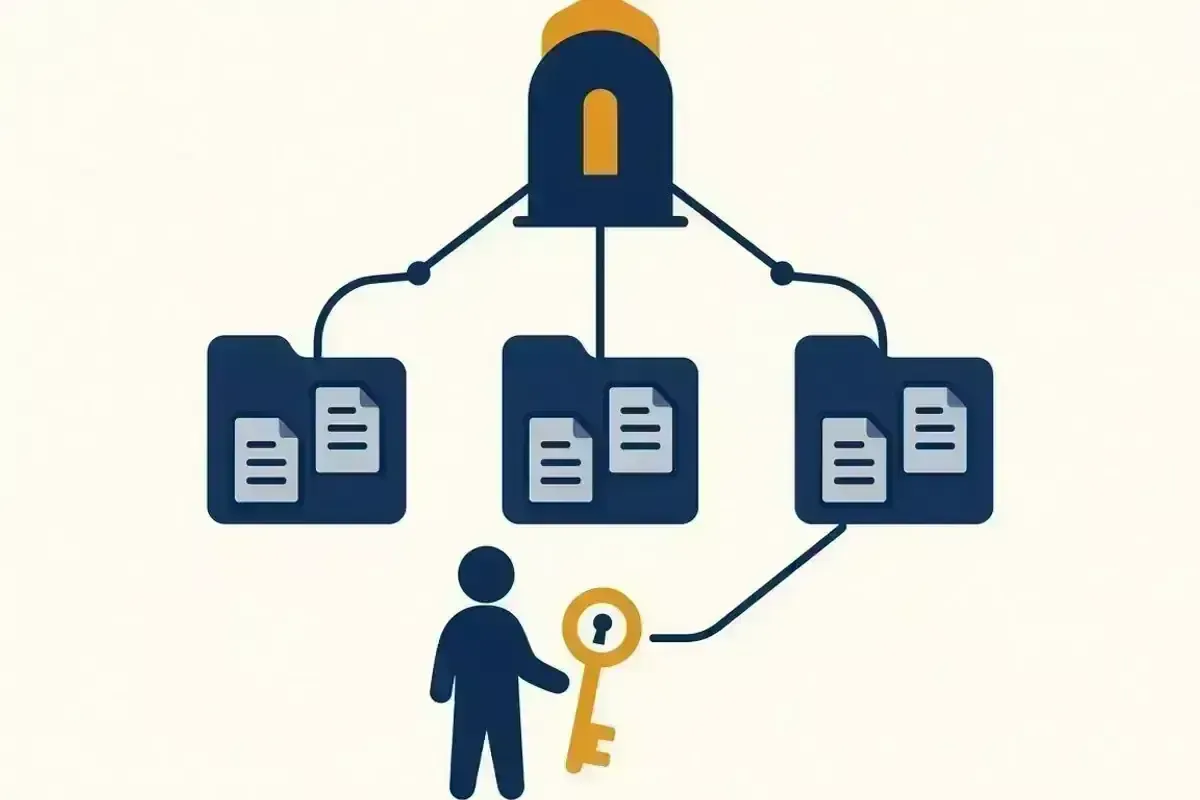
When files live on desktops, in personal OneDrives and in email attachments, nobody knows which copy is current. We design a simple SharePoint structure for business files, set up OneDrive syncing, and give each person the right access, so everyone works from the same files.

Get help with SharePoint & OneDrive
Tell us these when you get in touch, and we can start on the right fix straight away:
- Your plan, if you know itFor example, Business Basic, Standard or Premium
- What you'd like to set up or fixFor example, Teams, SharePoint or licences
- How many people use itA rough number is fine
- Same-day or next-day, where available
- Onsite across Perth, or remote
- No lock-in contract
- Business and home IT
Which version is the right one?
- The same file exists in several places with different changes
- Business files sit in one person's OneDrive
- Files are emailed back and forth instead of shared
- New people can't find anything without asking
- Everyone can see everything, including files they shouldn't
Still running files from an office server or shared drive? See File server to cloud migration.
How we organise your files
Map how you work
We look at the files you have, who uses them and how they're shared today.
Design the structure
A small number of clear SharePoint sites and libraries, named so people can find things.
Set access
Each area is open to the people who need it, and closed to those who don't.
Move files into place
Files are moved from personal folders and desktops into the new structure.
Set up syncing
OneDrive syncing on each computer, so files open like normal folders.
Show your team
A short walkthrough on where files live and how to share them.
From brief to done, in three steps
Tell us what needs to change
Book online or call. Tell us how many people and mailboxes are involved, and what you want to achieve.
We confirm the plan and scope
Before work starts, we confirm what's included, the order of work and any interruption to email.
We complete the work
Onsite or remotely, scheduled to keep disruption to your business low.
What you get
- One clear place for business files
- Access set for each area, not left open to everyone
- Files syncing on each computer
- A simple guide to the structure for your team
Why Perth businesses choose us
No lock-in
Book a technician when you need one. No ongoing managed-services contract required.
Onsite or remote
We choose the route that gets you working again, and come onsite when it's needed.
Plain-English notes after every job
You'll know what was wrong, what we changed and what to watch for.
Scope confirmed before we start
You'll know what's included and when the work happens before anything changes.
SharePoint & OneDrive answered
What's the difference between SharePoint and OneDrive?+
OneDrive is for each person's own work files. SharePoint is for files the business shares. We set up both so business files don't live in one person's account.
Will files still open from File Explorer?+
Yes. With syncing set up, files appear in File Explorer like normal folders.
Can we control who sees what?+
Yes. Each area is set up with access for the people who need it.
What about files in Google Drive?+
If you use Google Workspace, we set up shared drives the same way.
We cover most of Perth
Onsite across most of the Perth metro area, and remote help anywhere in Perth.
- Onsite across most of the Perth metro area
- Remote help anywhere in Perth
Give your files one clear home
Book an experienced technician online, or tell us what's happening and we'll recommend the right next step.
Call 08 6559 6485
Phones and technicians: Monday to Friday, 8am to 4pm