
Sharing one login for info@ or accounts@? Let's give every inbox a clear owner.
- Several staff share one password
- Emails to info@ or sales@
- Mail for a departed staff
- Messages are forwarded to personal
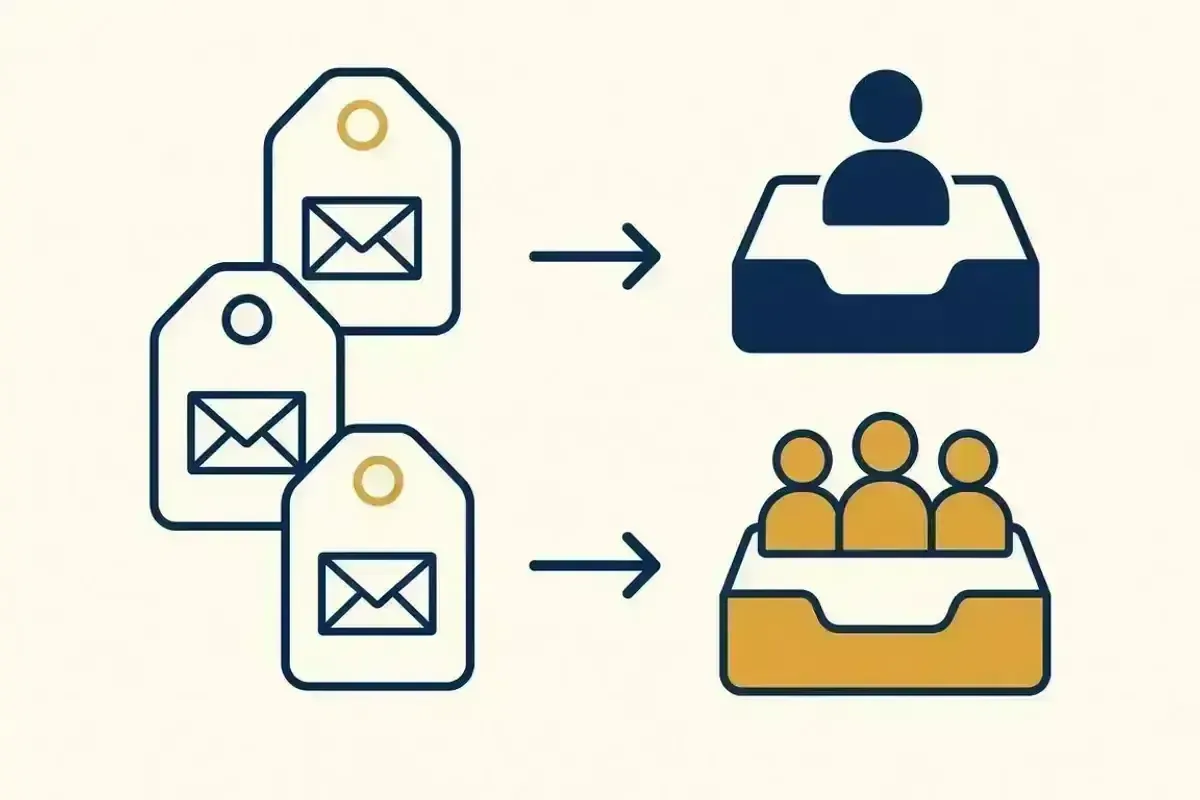
When several people share a password for a business address, emails get missed, answered twice or forwarded somewhere risky. We set up shared mailboxes, aliases and forwarding properly, so each person has their own access and nothing falls through the gaps.

Get help with Shared mailboxes
Tell us these when you get in touch, and we can start on the right fix straight away:
- Who your email is withMicrosoft 365, Google Workspace or another provider
- What's happeningFor example, bouncing, junk or not arriving
- Who it affectsOne mailbox, or the whole business
- Same-day or next-day, where available
- Onsite across Perth, or remote
- No lock-in contract
- Business and home IT
Where shared email goes wrong
- Several staff share one password for a business address
- Emails to info@ or sales@ get missed or answered twice
- Mail for a departed staff member goes nowhere
- Messages are forwarded to personal email accounts
- Nobody can tell who replied to a customer
Setting up new addresses on a new domain? See Professional domain email setup.
How we set up shared email
Map your addresses
We list each business address, who needs it and what it's for.
Create shared mailboxes
Each person opens the shared inbox with their own login, so there's no shared password.
Add aliases and groups
Extra addresses that deliver to the right person, and groups that reach a whole team.
Set up forwarding safely
Forwarding stays inside the business where possible. We avoid automatic forwarding to outside addresses, which is a common sign of a hacked account.
Set permissions
Who can read, send as, or send on behalf of each address.
Show your team
A short walkthrough so staff know where shared mail appears.
From brief to done, in three steps
Tell us what needs to change
Book online or call. Tell us how many people and mailboxes are involved, and what you want to achieve.
We confirm the plan and scope
Before work starts, we confirm what's included, the order of work and any interruption to email.
We complete the work
Onsite or remotely, scheduled to keep disruption to your business low.
What you get
- Business addresses with clear owners
- No shared passwords
- Safe forwarding for leavers and role changes
- A simple list of who has access to what
Why Perth businesses choose us
No lock-in
Book a technician when you need one. No ongoing managed-services contract required.
Onsite or remote
We choose the route that gets you working again, and come onsite when it's needed.
Plain-English notes after every job
You'll know what was wrong, what we changed and what to watch for.
Scope confirmed before we start
You'll know what's included and when the work happens before anything changes.
Shared mailbox answered
Does a shared mailbox need its own licence?+
In Microsoft 365, shared mailboxes usually don't need a separate licence while they stay within size limits. We'll confirm what applies to your setup.
What happens to a departing staff member's email?+
We can convert their mailbox to a shared one, forward their mail to a colleague, or keep it for reference, depending on what you need.
Why avoid forwarding to personal email?+
It moves business information outside your control, and unexpected forwarding is a common sign of a compromised account.
Can replies come from the shared address?+
Yes. Staff can send as the shared address, so customers see a consistent reply.
Perth Computer Experts is an independent IT support provider. We're not affiliated with, endorsed by or sponsored by Microsoft or Google. Product names are used only to describe the services we support.
We cover most of Perth
Onsite across most of the Perth metro area, and remote help anywhere in Perth.
- Onsite across most of the Perth metro area
- Remote help anywhere in Perth
Sort out your shared email
Book an experienced technician online, or tell us what's happening and we'll recommend the right next step.
Call 08 6559 6485
Phones and technicians: Monday to Friday, 8am to 4pm